Restore a deleted custom field in registration form

Hello,

the manager of an event added a mandatory custom field called “Passport / ID Number“ when she created the registration form. During last weeks, the participants registered themselves and informed that field.

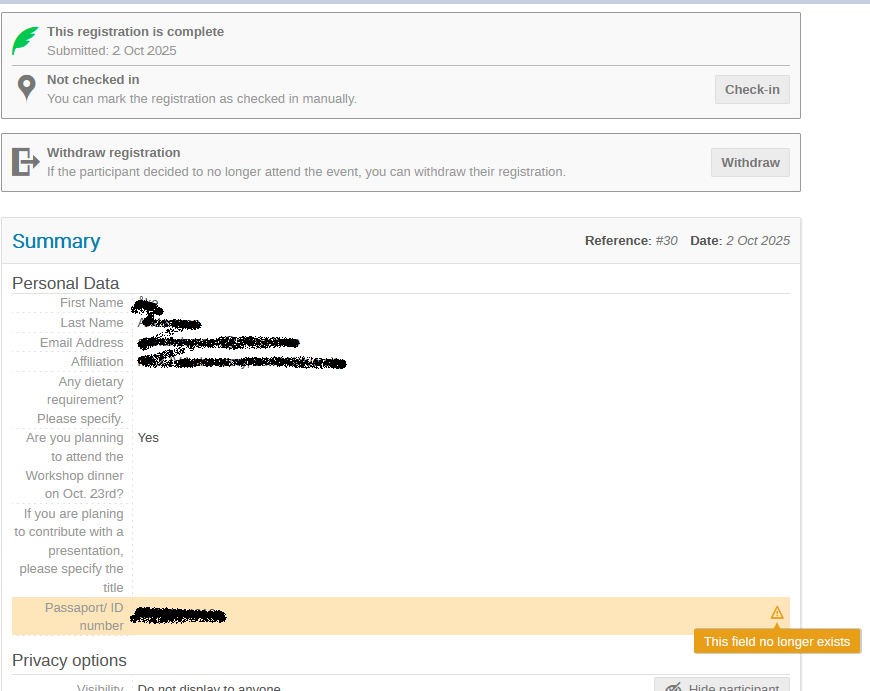
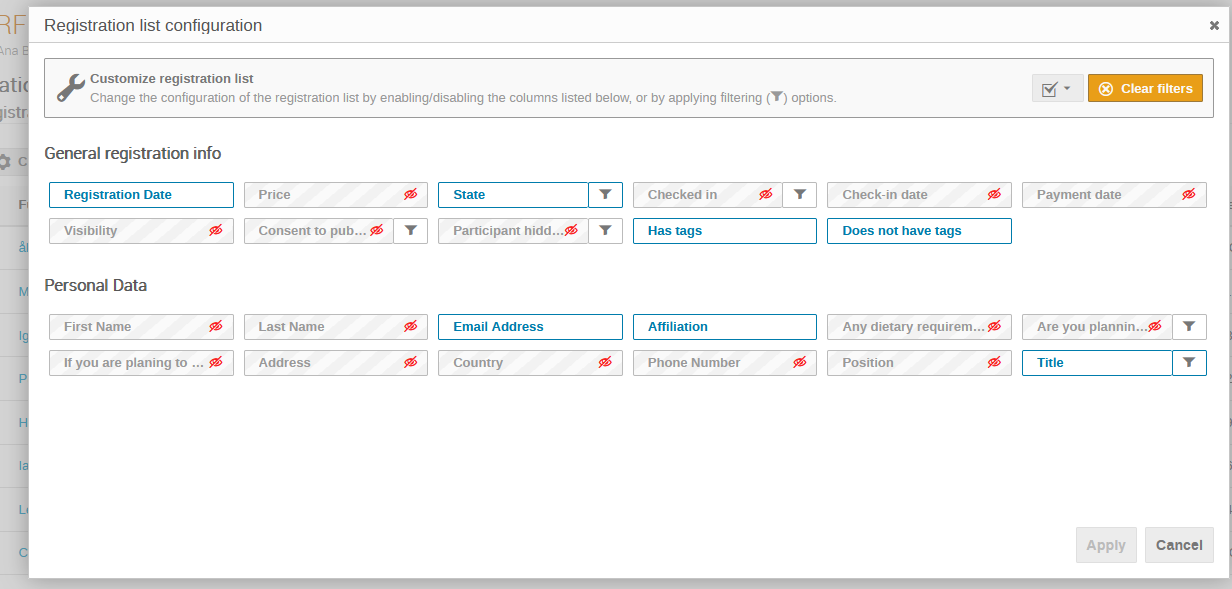
By mistake, the manager have deleted the field today, and we see that the information provided by each participant includes this field, so we still have the info in every participant form, but we can not see it in the list.

Is there any way to restore a deleted custom field? Or otherwise, do we need to create a new field and assign the value of each participant manually?

Thanks!!

Yes, it’s soft-deleted. So if you can find it (check the event log for the field deletion, and click the filter button… then you should see its ID in the URL), you can use indico shell to undelete it:
RegistrationFormField.get(ID).is_deleted = False
db.session.commit()

Afterwards I recommend disabling and then enabling it again it in the UI to ensure the positioning is correct.

How can I get the field id? Or can I filter by name?

Read me whole post… :stuck_out_tongue:
But yes, filtering by name (and event!) would also work, try to get the ID from the log first though, it’s easier.

It worked!! I have just looked at the logs and then run your script in the shell!!

Thank you very much!! And thanks also for the quick response!

Could the same technique also be used to restore a deleted registration?

Say with

Registration(ID).is_deleted = False
db.session.commit()

yes, almost:

Registration.get(ID).is_deleted = False
db.session.commit()
1 Like

Thank you very much. The need for this just arose, so this will be an awesome help. Thanks again.