Hello all,
I am using https://indico.rcnp.osaka-u.ac.jp/ to set up a conference.
I have a problem with the “fee paid” option.
We did not set up any payment plugin, since we are handling the registration fee payments autonomously and separately. I was simply manually ticking the “fee paid” box for each participant after verifying the payment. However, after doing this for just a couple of registrants, the button disappeared.
I am now unable to find where to enable or access the “fee paid” option again.
Does anybody know how to restore it or where it can be managed?
Thanks in advance for any help.
Any chance that the registrant is not in the “awaiting payment” state? If they registered before a price was set, then Indico doesn’t expect them to pay.
Thanks for your reply; the price is set, but take into account that the registrants are then paying separately (I cannot upload images since I’m a new user)
However, when I open the single registrant page, I didn’t get the option “fee paid” to tick (again, cannot post images, but I think I know where to look at it):
The funny thing is that I was able to do this for the first two participants a month ago.
Then something happened in terms of changes that we have done that made this disappear. I tried to go through all the logs of the last month, but was not able to find any hint.
Any suggestions will be very valuable!
I lifted the new-user restrictions for your account so you can post a screenshot now.
Oh, thanks a lot.
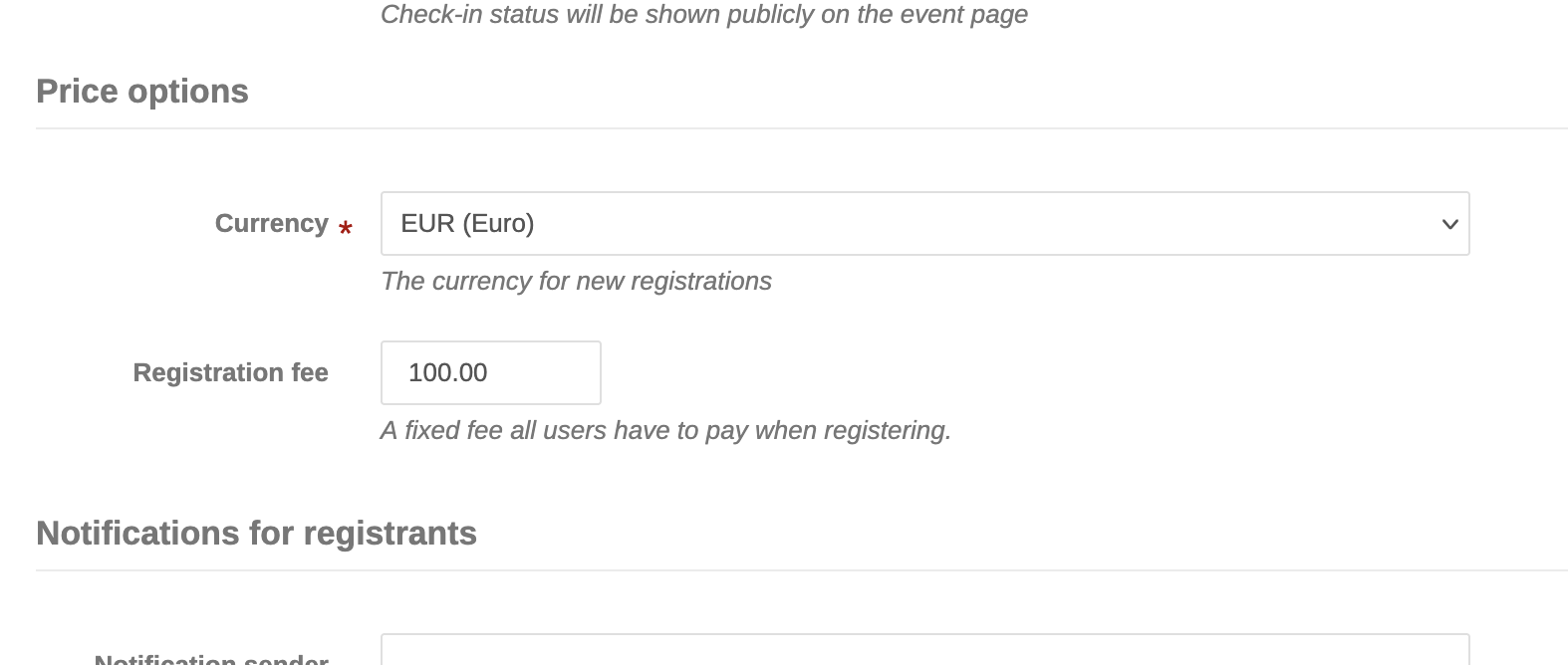
Then, this is the fee section:
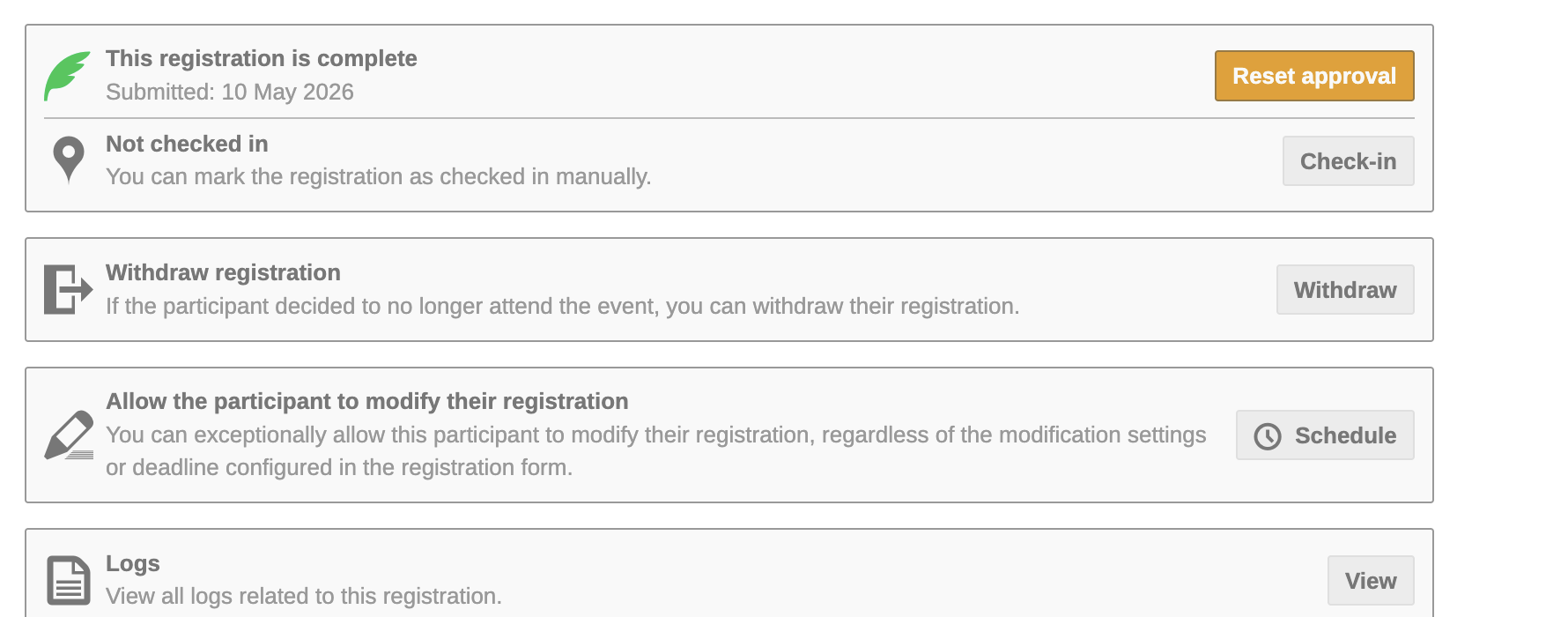
and this is the page that I get when I’m opening the single registrant page (note that I have already accepted the registration)
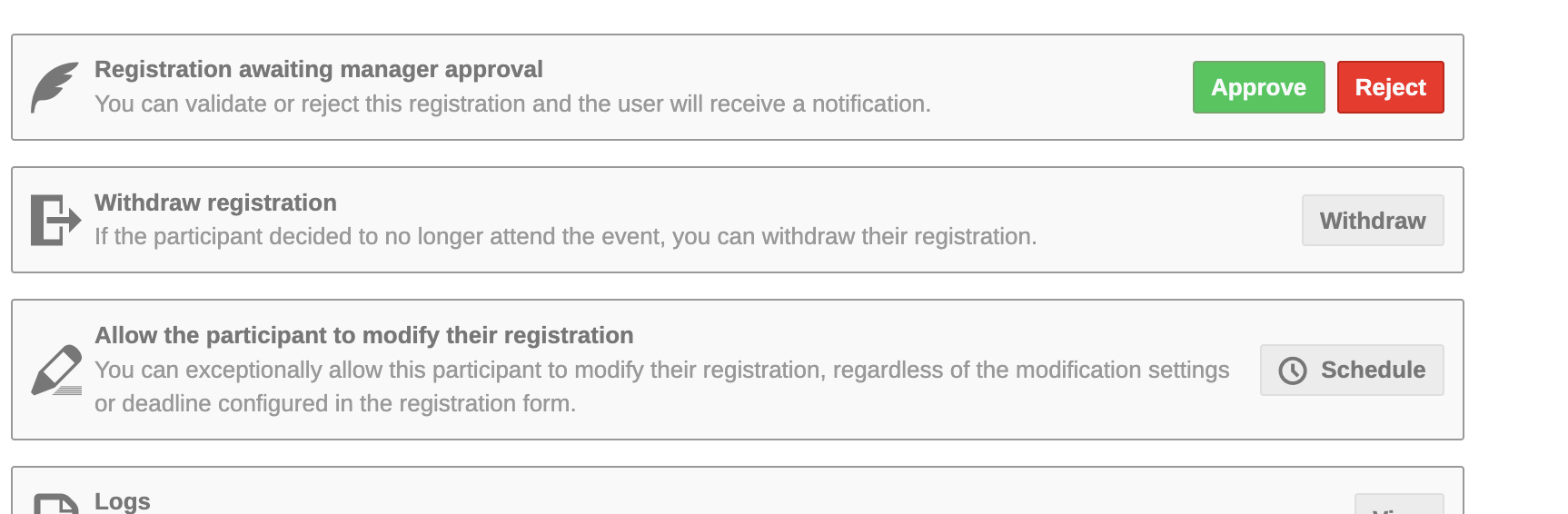
The following is instead what I see for a participant that has still not been accepted:
And finally this is what I see for one of the two participants that I managed to get the “fee paid”:
“Registration is complete” means that there is no fee to pay on that one. Most likely it was created before you configured the fee (since the fee may change at some point, we copy it into the registration the moment someone registers). If you select it in the list of registrants there’s an option in the “Actions” menu to modify the base fee for that registration.
1 Like
Gotcha!!!
This has been extremely useful!!!
Thanks 100000 times!