Is there any way to make new pages added to the menu in indico.cern inherit the default global styles (font colour/style/size/list/table styling)? The default, as far as I can see, is for added page content that is stylistically inconsistent with the visuals of the other pages, not a very professional look. Am I doing something wrong? I tried to define styles myself using the .conf{} and and the body{} style options in a custom css style file, but these styles don’t propagate to pages.
Second, does anyone know the html code of the default font colour on the cern indico overview page?
Please provide specific examples of problems you have, including a link to the event, a screenshot indicating what you believe is wrong there and the CSS you tried to use to solve it.
FWIW I have seen your ticket, and had a look at the event linked in there (I assume it’s the same here, but since there are many more people in the forum it makes sense to post the link again so others can also help you). At least to me there was no obvious issue w/ the styling of the custom page content.
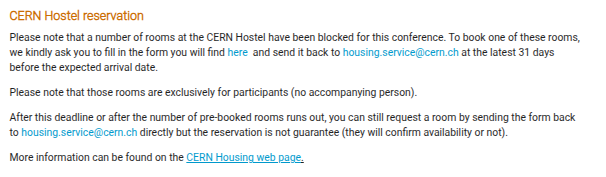
Thanks for the tips. The issue I mentioned is not specific to my event, but seems to be the default behaviour with the generic indico stylesheet. See stylistic differences between the font size and styling in the ‘programmed’ pages of the SEARCH conference e.g. SEARCH conference (20-24 October 2025): Overview · Indico (larger text and grey color for part of it), and menu pages e.g. SEARCH conference (20-24 October 2025): Accommodation · Indico (smaller text, different color, harder to read), which looks a little jarring as you click between pages. I would expect the pages to inherit the styles of the default, for consistency.
Overview page:
Hi bpedersen, thanks for taking a look. Does this mean that if I add these properties to my css file (in the .conf{} (or does it have to be the *{}?) properties, all the menu pages will look identical in style to the main overview page?